Overview
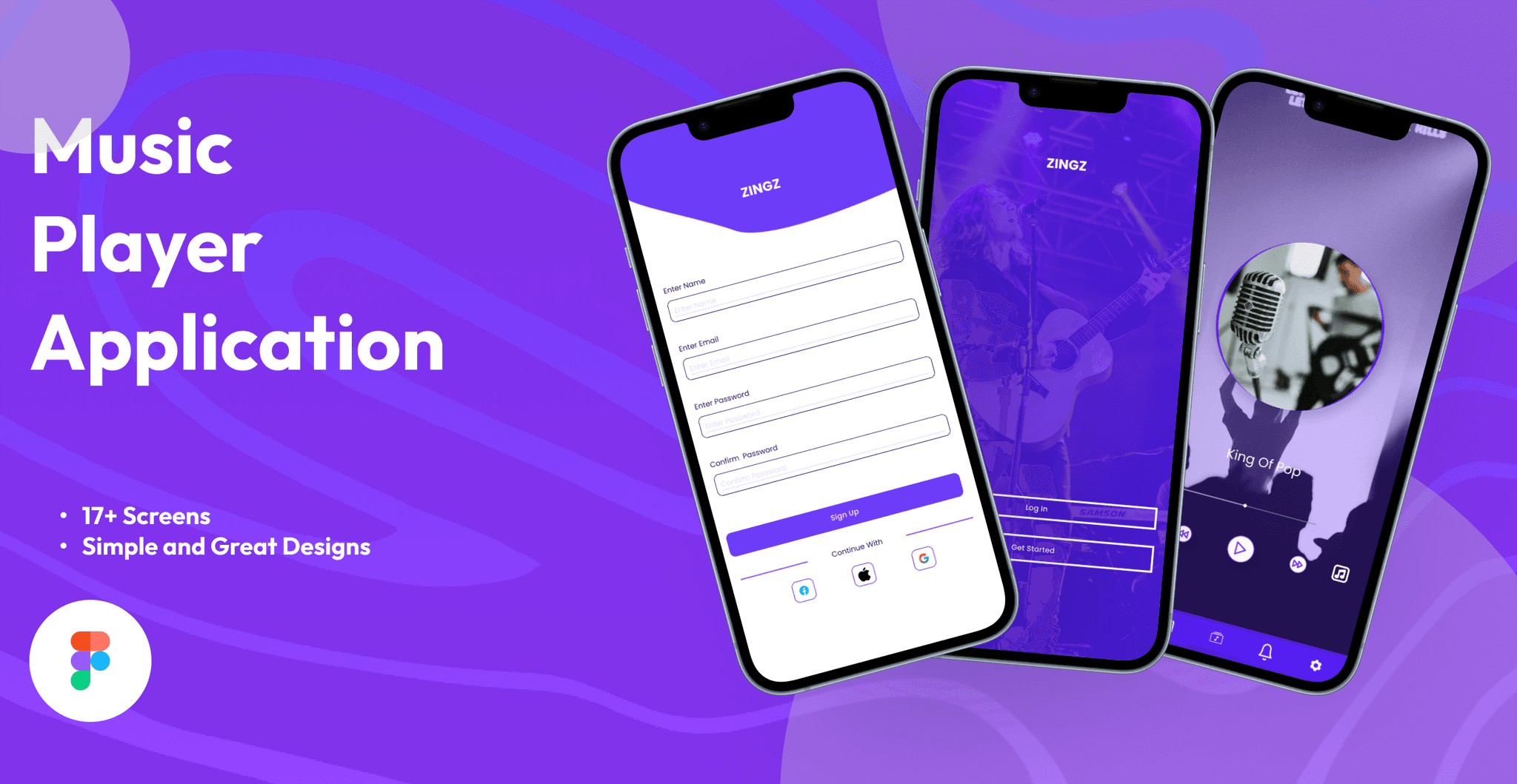
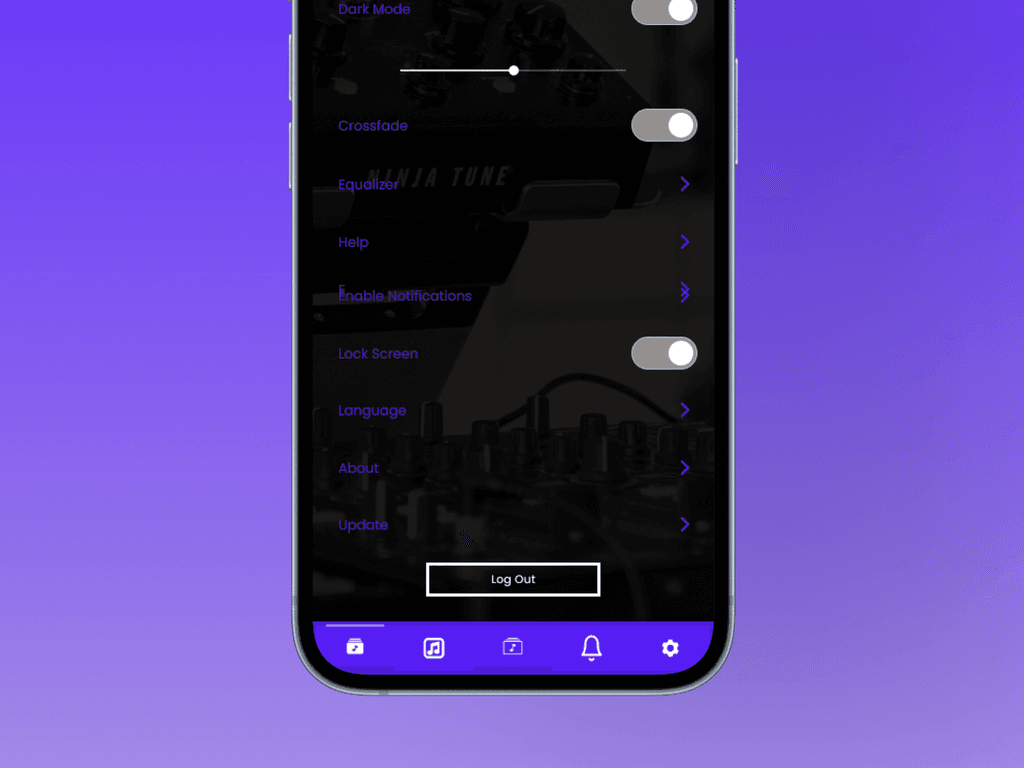
Zingz is a music application designed to provide users with an immersive experience of playing their favorite songs in various formats (MP3, FLAC, WAV, etc.) while also helping them sing along by displaying accurate lyrics in real-time. The app offers a user-friendly interface with features such as lyric synchronization, adjustable playback speed, and song recommendations based on the user’s listening habits.
Objective
The primary goal of Zingz is to merge music listening with interactive singing. Many music apps today focus solely on streaming or music libraries, but Zingz combines music playback with real-time lyric display and singing tools, making it an ideal app for users who want to sing along to their favorite tracks—whether they’re at home or on-the-go.
Pain Points
1. Lack of Lyric Accuracy
Many music apps offer lyrics, but often the synchronization with the track is either inaccurate or incomplete. Zingz solves this problem by providing real-time, time-synced lyrics that match the song's pace and rhythm, ensuring users always have the right words at the right time.
2. Diverse Music Format Support:
Music apps often restrict users to streaming services or specific file formats. Zingz supports a wide variety of audio file types, ensuring that no matter how users access their music (whether through local files or streaming), they can enjoy seamless playback along with synchronized lyrics.
3. Sing-Along Tools:
While karaoke apps exist, they often require users to choose from a limited catalog of songs. Zingz offers karaoke-style features for **any song**, allowing users to sing along with real-time lyric highlights, adjustable playback speed (slow down fast sections for practice), and pitch correction for a smoother singing experience.

Emma Rodriguez
Graphics Designer, 26
Music Preferences: Loves pop, rock, and indie music
Primary Goal: Enjoys listening to diverse music while working or relaxing and wants to sing along with synced lyrics for fun and practice.
Background:
Emma is a freelance designer who spends a lot of time listening to music while she works. She often comes across audio files in various formats from clients and enjoys discovering new songs and singing along in her free time. However, she finds it frustrating when her music apps don’t support certain file types or lack synced lyrics for many of her favorite songs.
Pain Points:
Difficulty finding a single music player that supports all audio formats.
Lack of accurate, synced lyrics on most music platforms.
Annoyance with needing to switch between apps for different music files.
Needs:
A reliable, user-friendly app that can handle any audio format she comes across and display accurate lyrics in real-time.

James Lee
Music Teacher, 34
Music Preferences: Jazz, Classical, Educational Tracks for Teaching
Primary Goal: Needs a flexible music player for various audio formats and lyrics to teach music theory and vocal training.
Background:
James is a high school music teacher who often prepares and shares music materials in different audio formats. He also uses lyrics as part of his lessons to help students practice singing and understand song structures. His current music apps have limited format compatibility and don’t offer synced lyrics for all songs, which disrupts his workflow.
Pain Points:
Limited file format support in existing apps, which makes switching between apps necessary.
No accurate, synced lyrics feature in most players for educational tracks.
Lacks easy ways to control playback speed for teaching purposes.
Needs:
An all-in-one app where he can play any audio format, view accurate lyrics, and control playback speed for teaching and demonstrating different musical elements.

Priya Sharma
Student, 22
Occupation: College Student
Music Preferences: Bollywood, Pop, Folk
Primary Goal: Uses music as a relaxation tool and loves to sing along, but needs a way to find accurate lyrics quickly for songs across various languages.
Background:
Priya is a college student who uses music to relax between classes and studies. She loves to sing along to her favorite songs, especially in her native language, Hindi, and often finds it hard to get accurate, synced lyrics for non-English songs. The ability to see lyrics in real time is important to her so that she can sing along without interruptions.
Pain Points:
Struggles to find synced lyrics for regional songs.
Limited format support, as some of her friends share music files in formats not supported by mainstream apps.
Has to switch between multiple apps to access both music and accurate lyrics.
Needs:
A music player that supports both English and regional languages with synced lyrics, allowing her to sing along to any song seamlessly without switching between multiple apps.
Competitor Analysis
Competitor Key Features
Limitations
Spotify Large song library, some lyrics syncing, Limited to specific file formats, lyrics not available for all songs.
Apple Music High-quality streaming, lyrics for many songs, Doesn’t support a wide range of audio file formats
VLC Media Player Plays almost all audio formats, customizations available Lacks lyric syncing and dedicated music experience
Musixmatch Accurate lyrics, real-time syncing, Limited audio support, requires third-party integrations
SoundHound Lyric search, singing assistance, Lacks multi-format compatibility and full playback features
Features
Real-Time Lyric Syncing:
- Lyrics are displayed in real-time as the song plays, with each line highlighted as it is sung.
- The app automatically adjusts the timing to match different renditions and tempos of the song, ensuring accurate sync.
2. Multiple Music Format Support:
- Supports a wide variety of music formats: MP3, FLAC, WAV, OGG, and even custom playlists.
- Users can import their personal music library and still enjoy full lyric integration.
3. Karaoke Mode:
- A special karaoke mode that highlights lyrics in real-time and allows users to adjust playback speed.
- Users can mute the vocal track to sing along to an instrumental version of their favorite songs.
- Pitch correction and vocal feedback tools to enhance the experience for budding singers.
4. Music Library & Song Recommendations:
- A smart recommendation system that analyzes user listening habits and suggests songs they might enjoy based on preferences, genre, and even mood.
- Integration with popular streaming services (Spotify, Apple Music, etc.) for users who prefer not to upload their music files.
5. Social Features:
- Create and share playlists with friends or followers.
- Record and share your singing performances with others through in-app social feeds.
- “Duet Mode” for users to record and sing along with others remotely, offering a collaborative, social experience.
6. Offline Playback:
- Zingz allows users to download their songs for offline playback with lyrics, ensuring uninterrupted access regardless of internet connection.
User Journey
Step 1: Account Creation and Music Library Setup
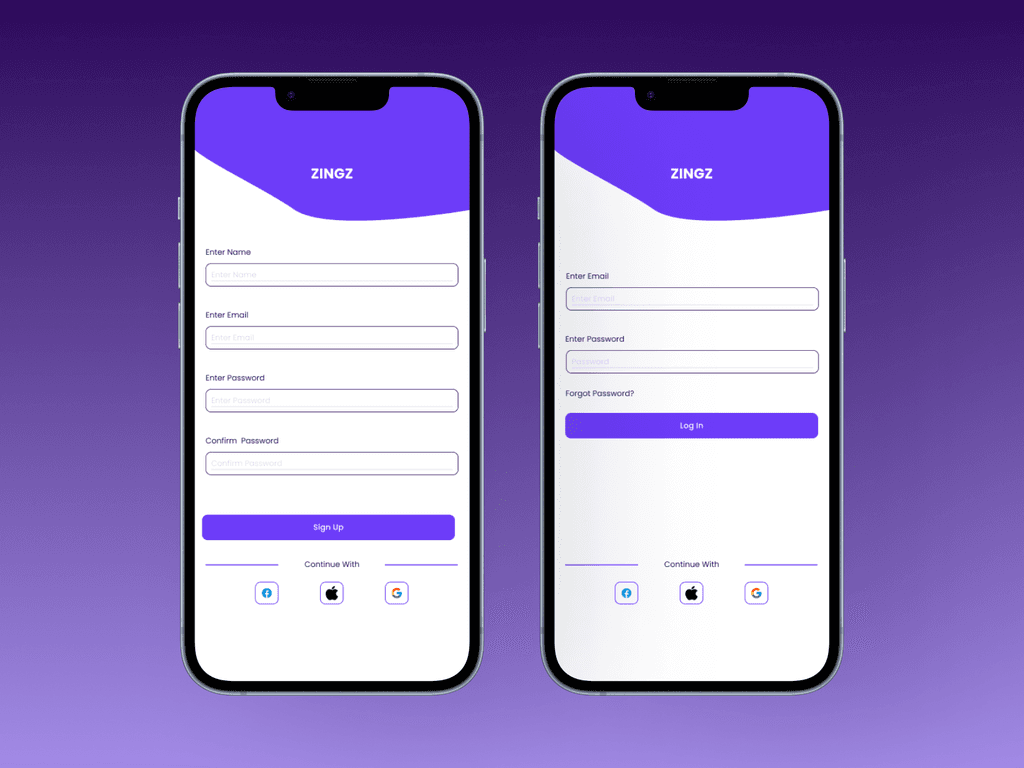
Upon first launch, users create an account via email or social media login. They can then import their existing music library or connect their streaming accounts to access songs in various formats. Zingz scans the library and integrates it with its lyrics database.
Step 2: Song Selection and Lyric Display
Users select a song from their library or discover new tracks via recommendations. Once a song is selected, the app displays the lyrics in sync with the music. The lyrics scroll automatically, with each line being highlighted as it is sung, ensuring the user can easily follow along.
Step 3: Karaoke Mode or Customization
For karaoke enthusiasts, the app offers the option to enter karaoke mode, where vocals can be muted, pitch correction can be activated, and the playback speed adjusted for practice. Users can even slow down fast-paced sections or speed up slower segments for a more challenging sing-along.
Step 4: Sharing and Social Interaction
Users can share their singing performances or customized playlists with friends through social features within the app. This helps build a community of music lovers and singers who can interact with each other’s content.
Conclusion
This case study highlights the importance of aligning product features with user needs and gaps in the market. By providing a versatile audio player with real-time lyrics syncing, Zingz will stand out as a unique offering in a competitive landscape, catering to users who want a music player and karaoke experience combined in one app.